Table of Contents
- 1 Why Small SEO Tools Websites Matter in 2026
- 2 What Makes a Small SEO Tool Website “Good”?
- 3 Small SEO Tools (SmallSEOTools.com)
- 4 SEO Review Tools
- 5 Ubersuggest (Neil Patel)
- 6 Ahrefs Free SEO Tools
- 7 Moz Free SEO Tools
- 8 SERanking Free Tools
- 9 Google’s Own Free SEO Tools (Often Ignored)
- 10 AnswerThePublic
- 11 Keyword Tool (Keywordtool.io – Free Version)
- 12 Common Mistakes When Using Small SEO Tools
- 13 How to Choose the Right Small SEO Tool Website
- 14 SEO Trust, Transparency, and Google EEAT
- 15 Final Thoughts: Small Tools, Big Impact
- 16 Trusted Sources and References
SEO does not always need expensive enterprise software or complicated dashboards that look like a spaceship control panel. Many website owners, bloggers, freelancers, and small businesses just want clear data, quick insights, and tools that work.
That is where small SEO tools websites come in.
They focus on practical features, simple interfaces, and affordable or free access. Some of them even compete with big-name SEO platforms in specific areas.
This guide explains the best small SEO tools websites, what they do well, and how to use them smartly without falling into the trap of “tool overload.”
Why Small SEO Tools Websites Matter in 2026
SEO has changed. Google now prioritizes helpful content, real expertise, and technical clarity. You do not need 200 reports to understand that.
Small SEO tools websites help because they:
- Solve one problem at a time
- Reduce learning curves
- Work well for content creators and small teams
- Cost little or nothing
According to Google Search Central, site owners should focus on clarity, usability, and relevance. Small tools often align with that advice better than bloated platforms.
What Makes a Small SEO Tool Website “Good”?
Not every free SEO tool deserves your trust. Some recycle outdated data. Others show numbers that look impressive but mean nothing.
Reliable small SEO tools usually share these traits:
- Clear explanation of metrics
- Transparent limitations
- Regular updates
- Simple output, not confusing graphs
Tools that respect users tend to earn long-term trust. Google likes that mindset too.
Small SEO Tools (SmallSEOTools.com)
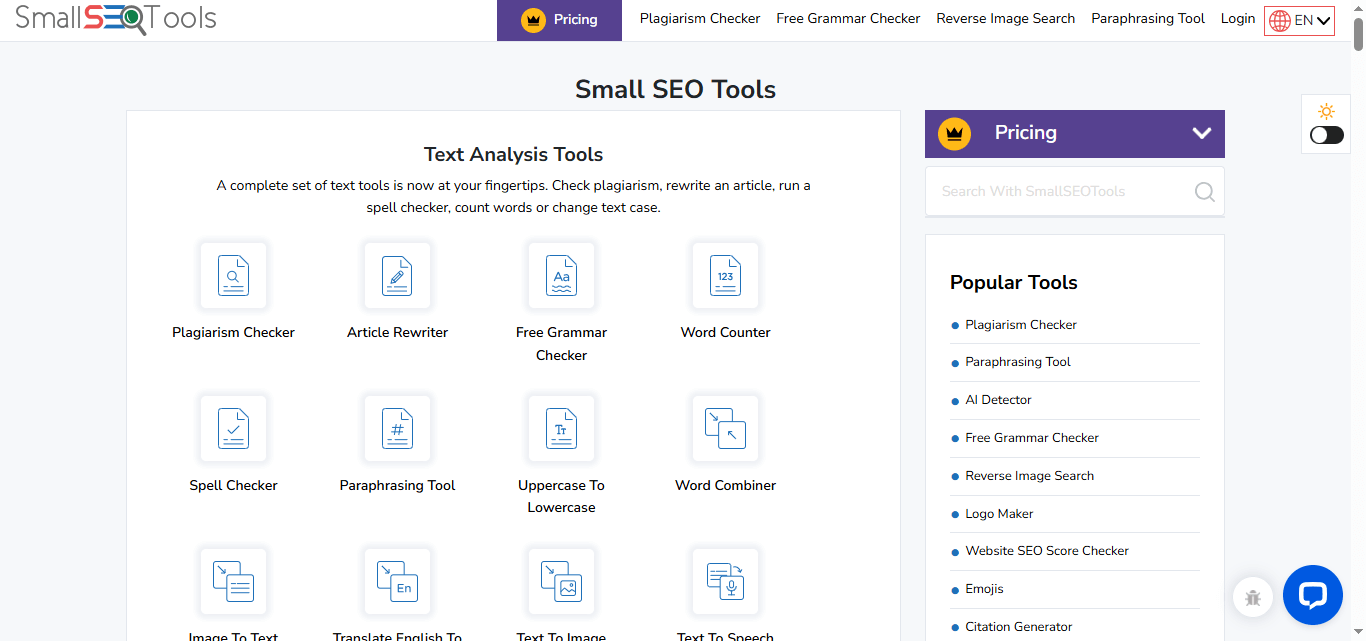
This platform often appears first when people search for free SEO utilities. That popularity exists for a reason.
What It Does Well
Small SEO Tools offers dozens of tools under one roof, including:
- Plagiarism checker
- Grammar checker
- Keyword position checker
- Backlink checker
- Domain authority checker
Many bloggers use it for quick checks, not deep audits.
Why It’s Useful
The interface stays simple. You paste your text or URL and get results instantly. No steep learning curve. No complex onboarding.
According to common usage patterns noted by content communities like ProBlogger, tools like this help beginners understand SEO basics faster.
SEO Review Tools
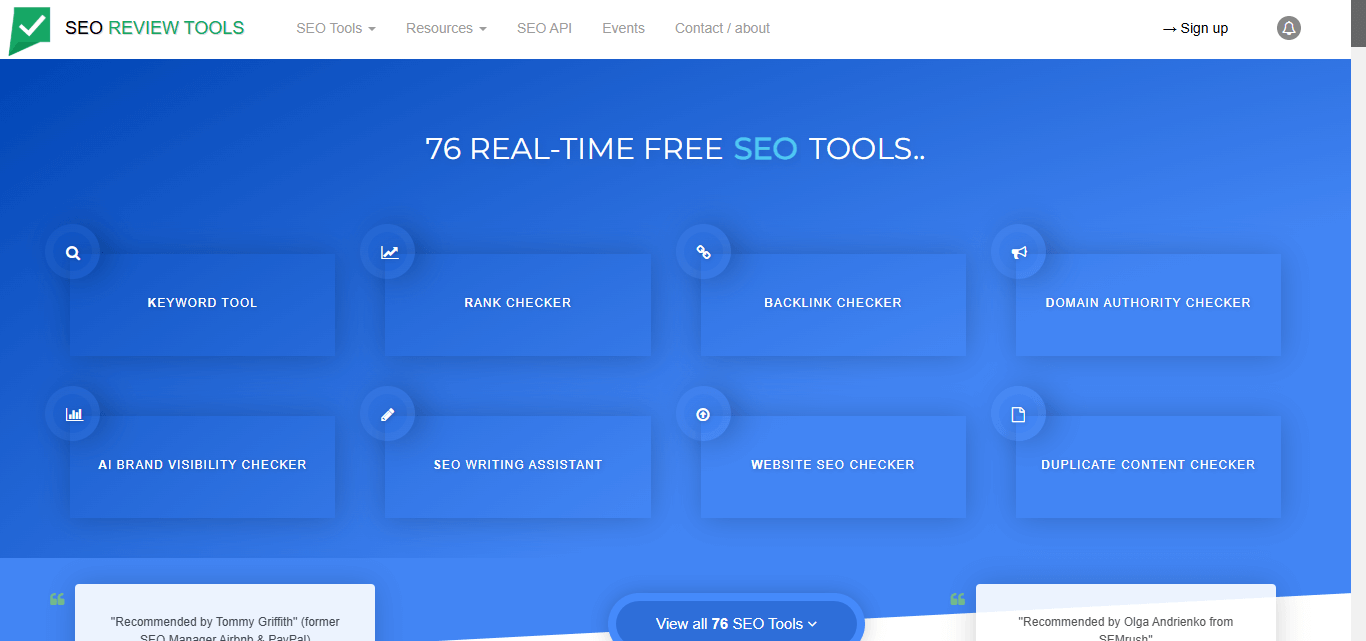
SEO Review Tools focuses on on-page SEO, technical checks, and SERP analysis.
Standout Features
- Content analysis reports
- Structured data testing
- Page speed insights
- Backlink summaries
The tools often pull data from reliable sources such as Google PageSpeed Insights and Schema.org validators.
Best Use Case
This site works best when you want to:
- Improve existing content
- Fix on-page SEO mistakes
- Validate technical SEO quickly
It suits content editors and SEO consultants who value speed.
Ubersuggest (Neil Patel)
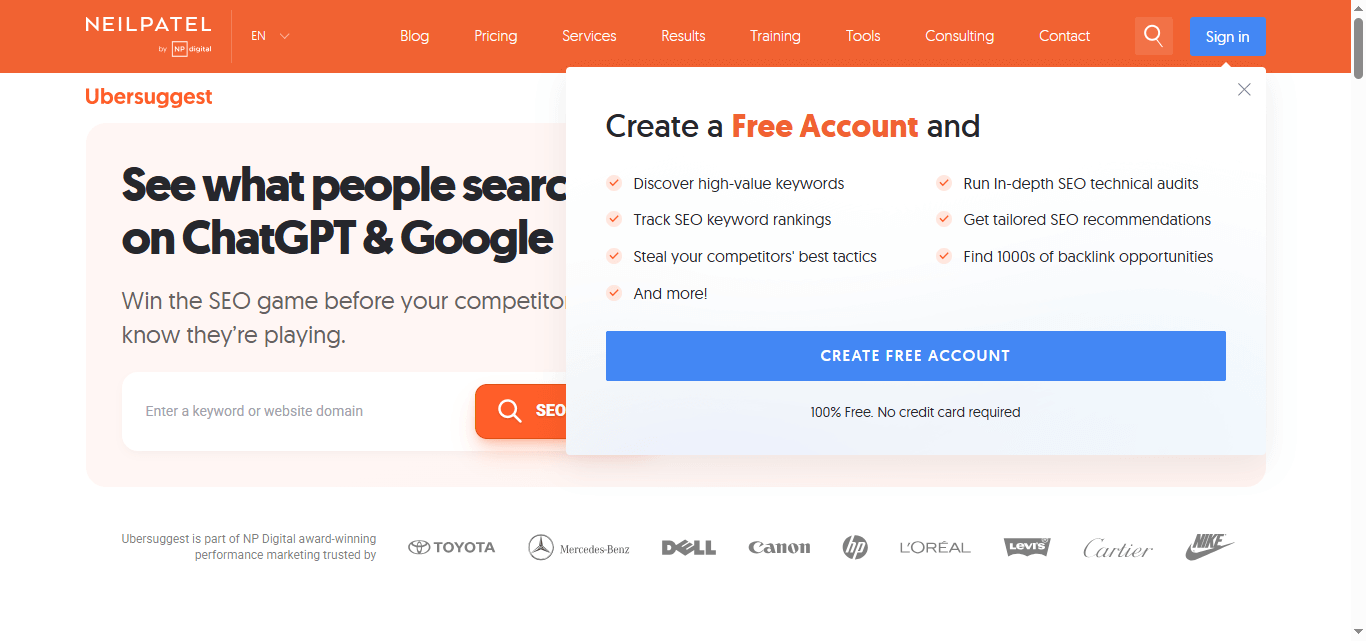
Ubersuggest started as a simple keyword tool. It evolved into a compact SEO platform without losing accessibility.
Why It Counts as a “Small” SEO Tool
Even though it offers premium plans, the free version still provides:
- Keyword ideas
- Search volume trends
- SEO difficulty estimates
- Basic backlink data
Neil Patel’s platform bases much of its data on aggregated SERP and clickstream analysis, which he explains publicly on his blog.
Logical Advantage
Ubersuggest explains metrics in plain language. That helps non-SEO users understand what actions to take.
SEO should not feel like decoding ancient scripts.
Ahrefs Free SEO Tools
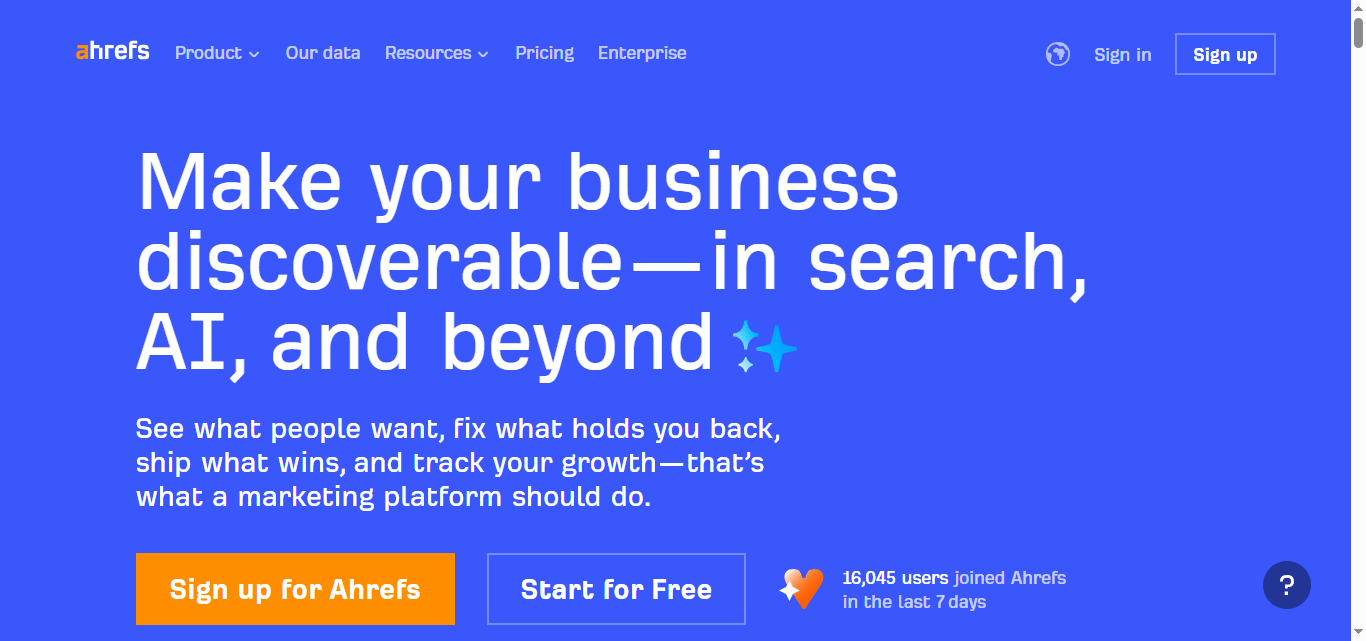
Ahrefs is known for premium software, but its free SEO tools deserve special mention.
Available Free Tools
- Backlink checker
- Website authority checker
- Keyword generator
- SERP checker
According to Ahrefs’ own documentation, these tools use the same crawler and index as their paid platform, with limited depth.
Why They Matter
You get accurate data without paying upfront. That builds trust and transparency.
Many professionals use these free tools alongside paid platforms for quick validation.
Moz Free SEO Tools
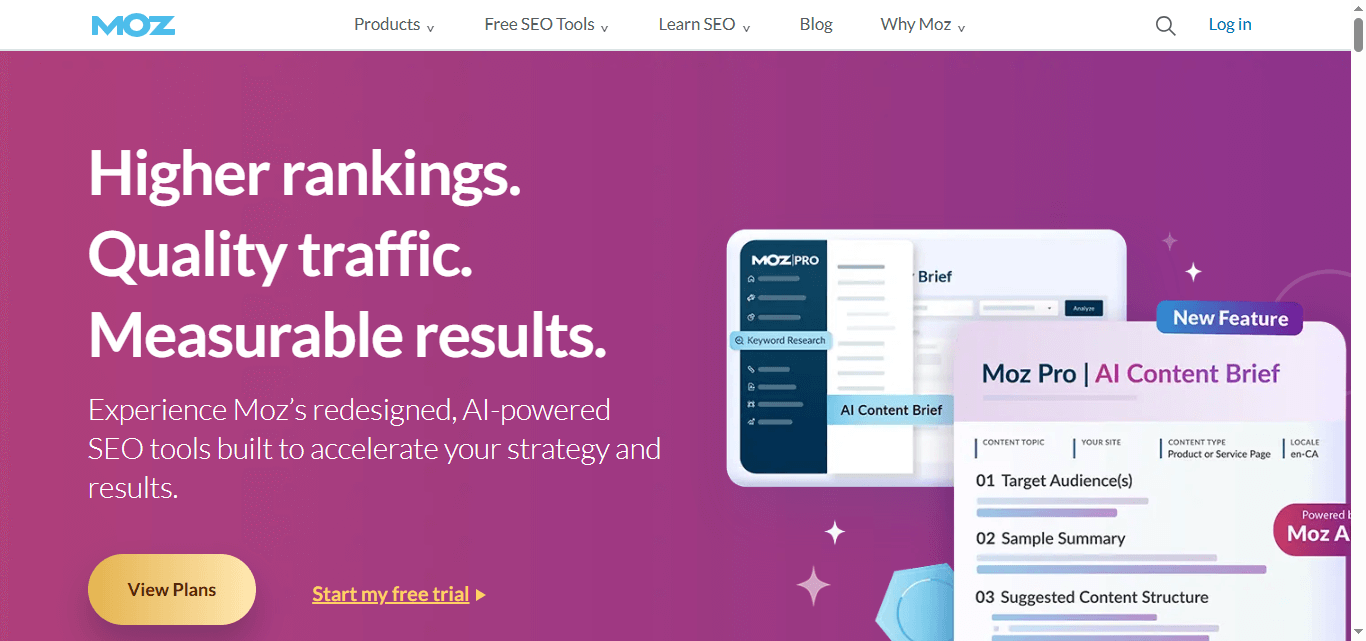
Moz helped shape modern SEO terminology. Its free tools still offer real value.
Key Tools
- Domain analysis
- Keyword explorer (limited)
- Link explorer
- Page optimization checks
Moz metrics like Domain Authority have industry recognition, even though Google does not use them directly.
Best Use Case
Moz works well for:
- Comparing domains
- Understanding link profiles
- Learning SEO fundamentals
Moz’s own Beginner’s Guide to SEO remains one of the most cited educational resources in the industry.
SERanking Free Tools
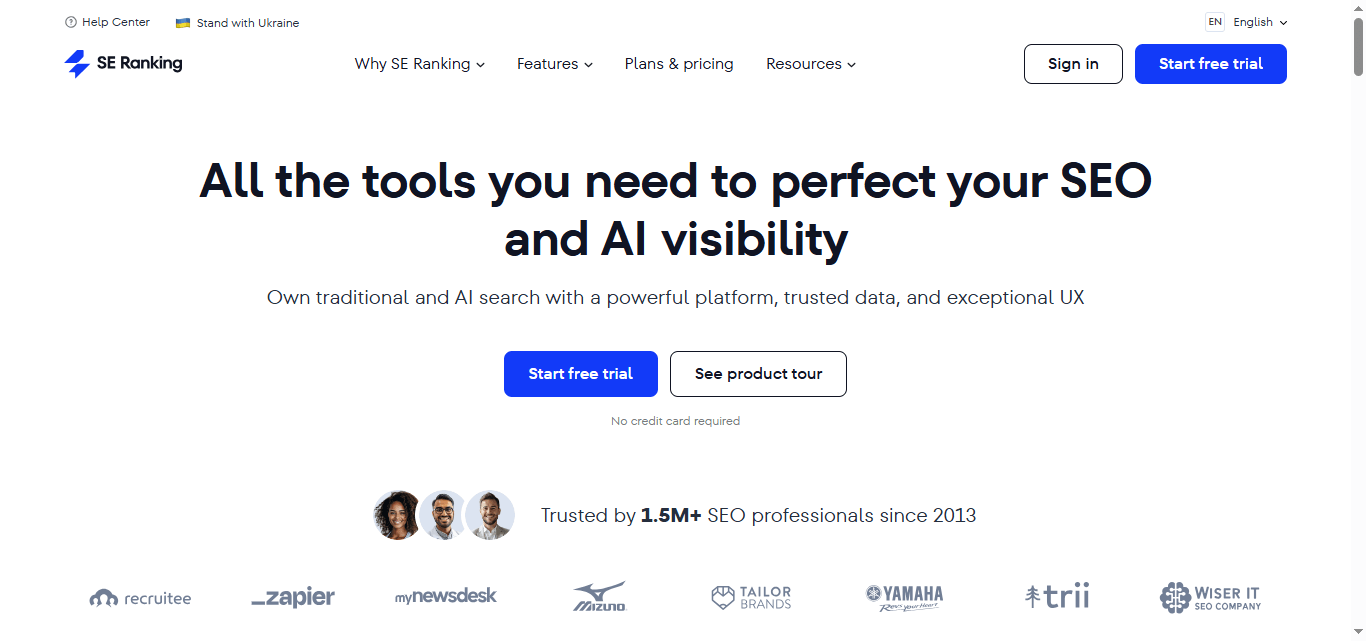
SE Ranking combines usability with data clarity.
Useful Free Features
- Keyword rank checker
- Website audit preview
- Backlink monitoring (limited)
The platform bases its metrics on global SERP tracking and publicly explains its methodology, which helps build credibility.
Why It Deserves Attention
SE Ranking balances simplicity and depth better than many tools in its category.
Google’s Own Free SEO Tools (Often Ignored)
Let’s pause the third-party tools for a moment.
Google already provides powerful SEO tools, and they cost exactly zero.
Google Search Console
This tool shows:
- Indexing status
- Search queries
- Click-through rates
- Core Web Vitals
It officially states that Google Search Console data reflects actual search performance, not estimates.
Ignoring it makes no logical sense.
Google PageSpeed Insights
Page speed affects user experience and rankings.
This tool:
- Measures real-world performance
- Uses Chrome User Experience Report data
- Highlights actionable fixes
It directly aligns with Google’s Core Web Vitals guidelines.
AnswerThePublic
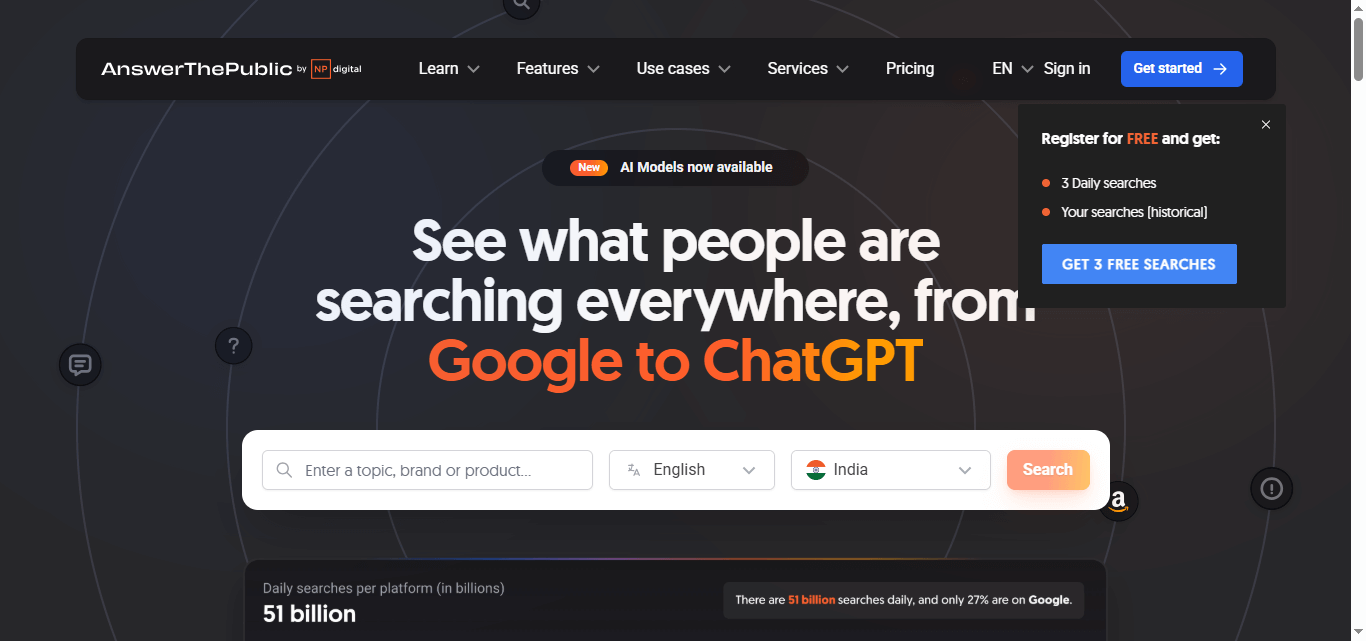
AnswerThePublic focuses on search intent, not raw keywords.
Why It’s Useful
It visualizes:
- Questions people ask
- Comparisons users search
- Prepositions and phrases
The data comes from Google Autocomplete, which reflects real user behavior.
Content creators use it to build topic clusters and FAQs.
Keyword Tool (Keywordtool.io – Free Version)
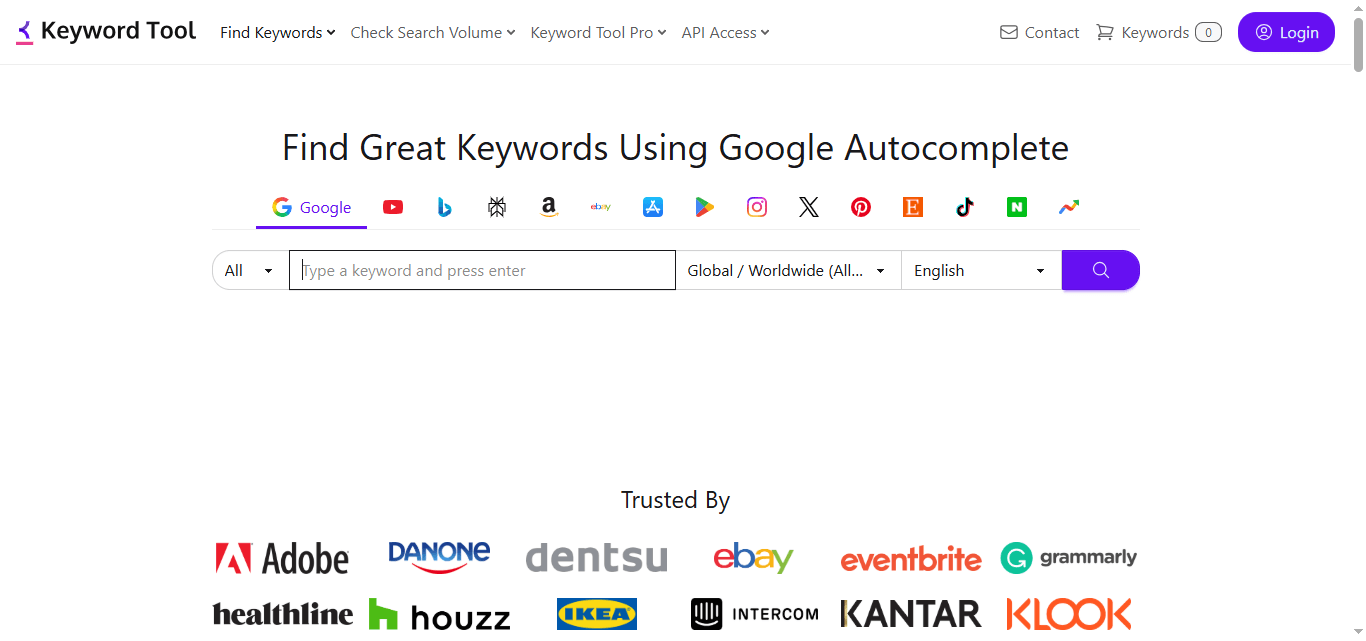
Keywordtool.io expands seed keywords using autocomplete data from:
- YouTube
- Bing
- Amazon
Even the free version offers strong inspiration for content planning.
It works especially well for long-tail keyword discovery.
Common Mistakes When Using Small SEO Tools
Let’s add some logic here.
Many users misuse free tools by:
- Treating estimates as exact data
- Running too many tools without action
- Ignoring Google’s own guidelines
Tools support decisions. They do not replace thinking.
SEO still needs human judgment.
How to Choose the Right Small SEO Tool Website
Ask yourself three questions:
- What problem am I solving right now?
- Does this tool explain its data clearly?
- Does it align with Google’s best practices?
If a tool confuses you more than it helps, drop it.
Simple always wins.
SEO Trust, Transparency, and Google EEAT
Google emphasizes Experience, Expertise, Authoritativeness, and Trust.
Using reliable tools supports that goal when you:
- Cross-check data
- Reference official documentation
- Avoid exaggerated claims
Tools that cite their data sources earn more trust. So should your website.
Final Thoughts: Small Tools, Big Impact
You do not need expensive SEO software to grow your website.
The best small SEO tools websites help you:
- Understand search intent
- Improve content quality
- Fix technical issues
- Make smarter decisions
Use them wisely. Combine logic with creativity. And remember, no tool can replace useful content written for real humans.
Google rewards that. Users appreciate it. Your website grows naturally.
Trusted Sources and References
- Google Search Central Documentation
- Google PageSpeed Insights
- Ahrefs Official Blog & Tools
- Moz Beginner’s Guide to SEO
- Neil Patel SEO Resources
- Chrome User Experience Report (CrUX)
Check out our free tools for bloggers: