Table of Contents
- 1 What Is IDrive? – IDrive Review and a Comprehensive Guide
- 2 IDrive vs Cloud Storage: Important Difference
- 3 Key Features of IDrive
- 4 IDrive Security: How Safe Is It?
- 5 IDrive Pricing (2026 Overview)
- 6 IDrive Free Plan: Is It Useful?
- 7 IDrive Performance and Speed
- 8 IDrive Mobile App Experience
- 9 Pros and Cons of IDrive
- 10 Who Should Use IDrive?
- 11 IDrive vs Google Drive and Dropbox
- 12 How to Set Up IDrive
- 13 Is IDrive Worth It in 2026?
- 14 Final Verdict
IDrive review 2026: Cloud storage has become an essential part of many people’s lives. Having internal or external SSD and HDD you must have a cloud storage subscription to backup your important files or data and restore all of them when you need.
It no longer feels optional. As you observe, data grows faster than most people expect. Assume a scenario that one accidental deletion happens, facing a ransomware attack, or your device crash can wipe out your years of work in seconds.
The mistake I made was not using a cloud storage service as I could not recover the files due to the hard disc crash and damage. At that time, I got to know the importance of these types of services.
I hope this hard-hitting and difficult situation makes you realise the importance of Cloud Storage. Here, IDrive comes into the picture, as it remains one of the most searched and popular cloud backup services in 2026. Not only it offers simple file-sync tools but also it offers full-device backup, cross-platform support, and long-term storage value.
In this article, I have provided you a guide so that you can learn IDrive’s features, pricing, security model, pros & cons, and ideal use cases. We avoid hype and mention clear facts and practical logic.
What Is IDrive? – IDrive Review and a Comprehensive Guide
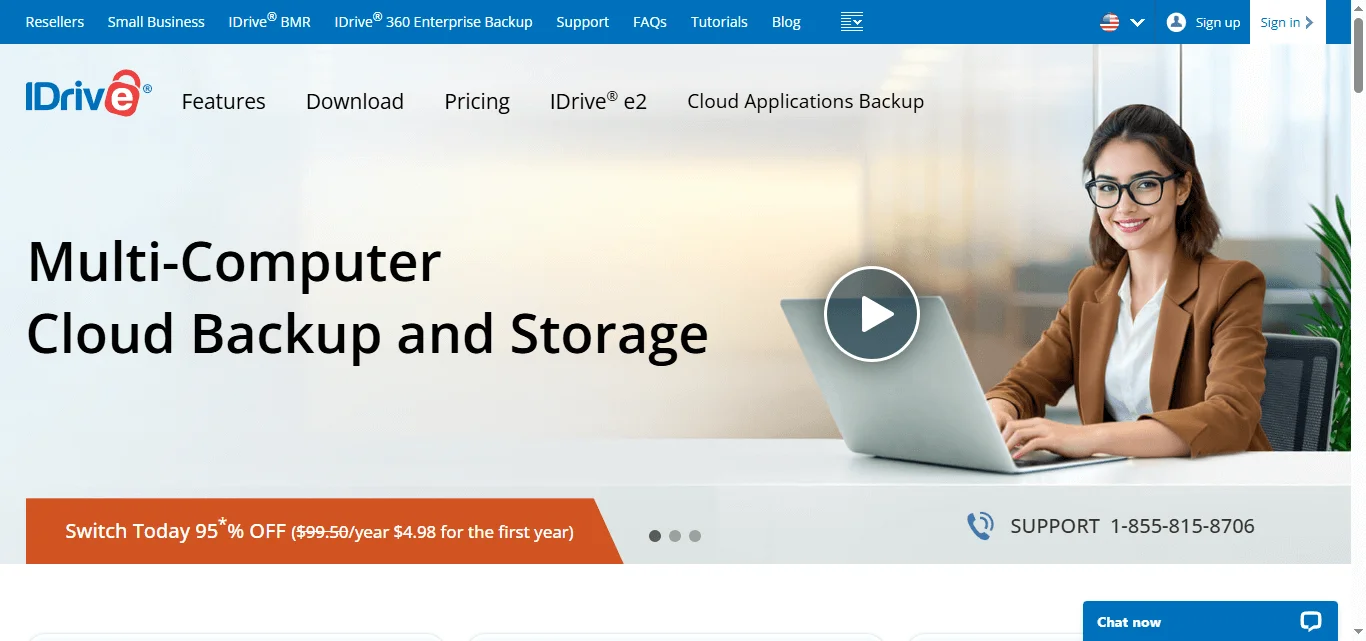
IDrive is a comprehensive, secure, and affordable cloud backup solution and storage provider. This service allows you to back up multiple devices with one account, including mobile and NAS. Moreover, it offers excellent file versioning and fast speeds. It provides a user-friendly experience. This service offers some features as mentioned below.
- Online backup for PCs and Macs
- Mobile device backup
- External drive backup
- Server and business solutions
- Cloud storage with file sync
The company operates in the cloud industry that offers cloud storage services alongside brands like Backblaze, Dropbox, and Google Drive.
However, IDrive has a unique position in the industry as it emphasizes backup first, storage second. That distinction matters.
Note: Some users report slow initial backups.
IDrive vs Cloud Storage: Important Difference
There is a difference between cloud storage and cloud backup as many users confuse mistakes as both are the same.
Cloud storage (like Google Drive or Dropbox) focuses on syncing selected folders, easy sharing, and collaboration.
While cloud backup focuses on full device protection, automatic version history, and disaster recovery.
IDrive combines both, but its core strength lies in backup.
Key Features of IDrive
Below are some of the key features that IDrive provides to the users.
1. Full Device Backup
Using IDrive users can backup entire computers, system files, applications, user folders.
With this, you do not need to manually move files into a “sync folder.” This service protects selected directories automatically.
Freelancers, remote workers, and small businesses can use this feature.
2. Cross-Platform Support
It has a cross-platform support as it supports devices of various operating systems that include Windows, macOS, iOS, Android, Linux, and Servers (for business plans)
You can perform back up for your multiple devices under one account. Even many competitors limit this feature or charge extra.
3. External Drive Backup
IDrive allows users to back up external hard drives and NAS devices.
Photographers, video editors, designers, and agencies handling large files can use this feature to store large amounts of files or data for backup purposes.
Most of the cloud providers don’t include external drive support in their entry-level plans.
4. File Versioning
IDrive allows you to store multiple versions of files. When you accidentally overwrite a document, you can restore a previous version of it.
This feature helps protect against accidental edits, file corruption, and ransomware attacks. File versioning strengthens long-term data safety as it stores multiple versions of files.
5. Continuous Data Protection
IDrive offers continuous backup for frequently updated files.
Forget taking backups manually everyday or every week. Whenever you make changes to the files, it detects changes and updates files automatically. This feature reduces the risk of losing your recent work.
6. Snapshot-Based Recovery
IDrive uses snapshots to preserve historical states of data.
The snapshots protect against ransomware, allow point-in-time recovery, and add another layer of redundancy.
This feature is similar to modern backup best practices.
IDrive Security: How Safe Is It?
Users need security for their data or files as they are sensitive and should be secured. It matters more than storage size.
IDrive offers 256-bit AES encryption, optional private key encryption, two-factor authentication, and secure data centers
When you store your data or perform backup, at that time if you choose private key encryption, only you can access the key. IDrive cannot reset it and it is your responsibility to store the encrypted key securely. This not only improves privacy but also increases responsibility.
The company states that it uses secure transmission protocols for data transfers i.e; uploads and downloads.
You can also always enable two-factor authentication. It adds an extra layer of security against unauthorized access.
IDrive Pricing (2026 Overview)
IDrive typically offers various pricing and plans. These include,
- A limited free tier
- Personal plans (with multi-device support)
- Business plans
- Server backup plans
When compared to per-device competitors, the personal plans usually provide large storage quotas as competitive pricing.
IDrive often runs promotional discounts for first-year subscriptions and renewal pricing may differ. So, we recommend you to always check the official pricing page before purchasing.
IDrive Free Plan: Is It Useful?
IDrive includes a small free storage plan.
The free tier works for testing the interface, backing up essential documents, and evaluating performance.
However, if you are serious about your data backup then you need to sign up for the paid plan.
IDrive Performance and Speed
Many factors that affect the performance and speed. Some of them are mentioned below.
Upload speed depends on internet connection, file size, encryption settings, and initial backup volume.
When you perform the first backup, it may take time if you upload hundreds of gigabytes. After that, incremental backups take less time.
In some regions, IDrive also offers a physical data shipment service for large initial backups. This service saves users time when the internet provider limits the internet bandwidth.
IDrive for Business
IDrive provides business-grade solutions. These include server backup, Microsoft 365 backup, Google Workspace backup, and endpoint protection.
It provides centralized management dashboards for the benefit of small businesses.
IT teams can monitor device backup status easily using the admin panel.
IDrive Mobile App Experience
IDrive has a mobile application for its users. Using this app, you can back up photos and videos, access stored files, share documents, and restore content.
The interface is simple and straightforward. Automatic camera backup works reliably when you enable it.
This feature is very useful for creators and remote professionals as it protects mobile media instantly.
Pros and Cons of IDrive
Pros
- Multi-device backup under one plan
- External drive support
- Strong encryption
- Competitive pricing
- Snapshot recovery
Cons
- Interface feels slightly technical for beginners
- Renewal pricing may increase after promotions
- Initial backup can take time
No service feels perfect. IDrive delivers strong value, but you must understand your needs before considering opting for this paid service.
Who Should Use IDrive?
Freelancers, remote professionals, small businesses, photographers, and multi-device households can use this service.
If your main purpose is simple file syncing for collaboration, it may not suit you.
IDrive vs Backblaze
Backblaze is a cloud backup solutions competitor to IDrive. It offers unlimited backup for one device per plan, while IDrive supports multiple devices under one account.
If you own multiple computers, you need external devices for drive backups and you want snapshot recovery for restoration of your data in case of any disaster. To avoid such situations, you can choose IDrive cloud backup and storage service.
choose Backblaze if you want unlimited storage for one machine, and you prefer a simplified interface
Both services maintain strong reputations.
IDrive vs Google Drive and Dropbox
Google Drive and Dropbox are the services that focus on collaboration and document sharing.
IDrive focuses on full system backup, disaster recovery, and long-term archival.
Google Drive or Dropbox can suit you better If you want team collaboration tools. IDrive makes more sense if you want device protection.
How to Set Up IDrive
Here are the steps to set up IDrive so that you can backup and restore your data when you need it.
Basic setup steps:
- Create an account
- Install the desktop application
- Select folders for backup
- Enable encryption
- Schedule automatic backups
Keep backups automatic. Manual systems fail when humans forget.
Is IDrive Worth It in 2026?
Yes, for the right user.
IDrive offers strong value for:
- Multi-device protection
- External drive backup
- Competitive pricing
- Secure encryption
It does not try to replace collaboration platforms and its primary focus is on data protection.
That clarity makes them a strong player in the industry.
Final Verdict
Data loss feels invisible-until it happens.
IDrive provides a structured, secure, and scalable way to protect digital assets across devices. Its multi-device model gives it an edge over single-device competitors.
If you manage more than one system, handle large files, or value version history, IDrive deserves serious consideration in 2026.
Backups rarely feel exciting. Recovery feels priceless.